Task management without the mouse.
Or the noise.
KANBASH is a native macOS task tracker wearing a terminal skin — a command bar and plain Unix-style commands (`ls`, `help`, `clear`) for speed, or just tap. No shell, no config files, never touch a drag handle.
Everything a task lives in, without the noise
A kanban board, a calendar, and honest stats — built to stay out of your way.
Type it, or tap it
A command bar for `ls`, `help`, `clear` and the rest — or just tap checkboxes and bracket actions. Same engine either way, and the board auto-sorts tasks into Not Started, Ongoing, and Done as you go.
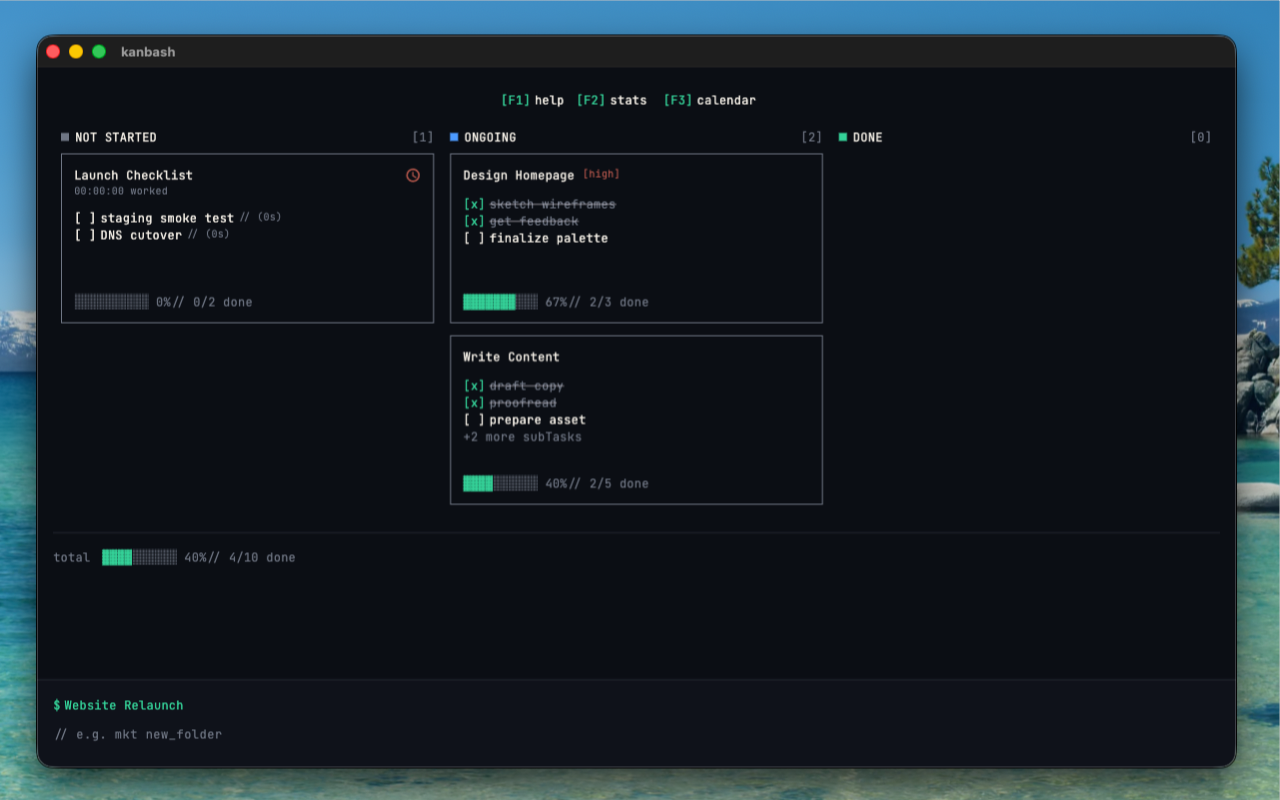
Detail without the clutter
Sub-tasks, priority, and notes live in one clean task view — nothing buried three menus deep.
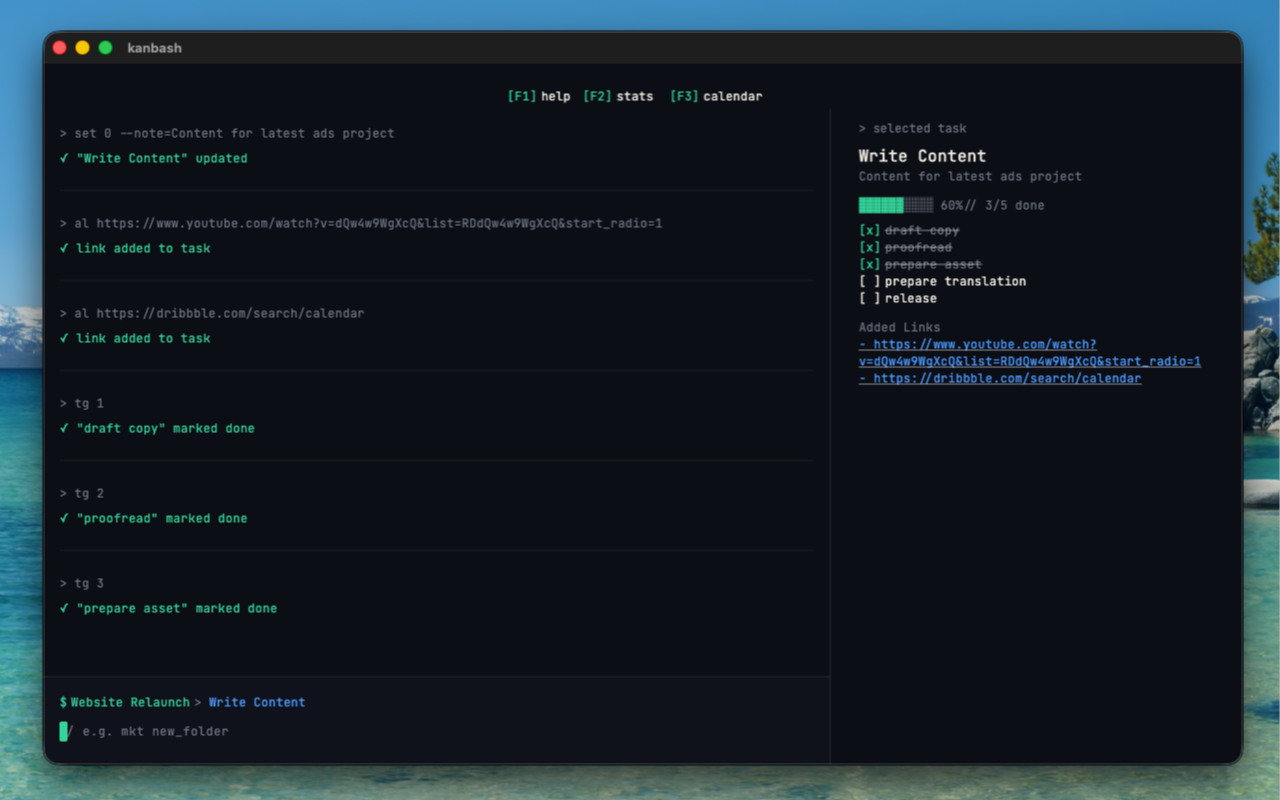
See your activity at a glance
A calendar view lays out what you created and completed each day, so you can spot your busiest day and keep a streak going.
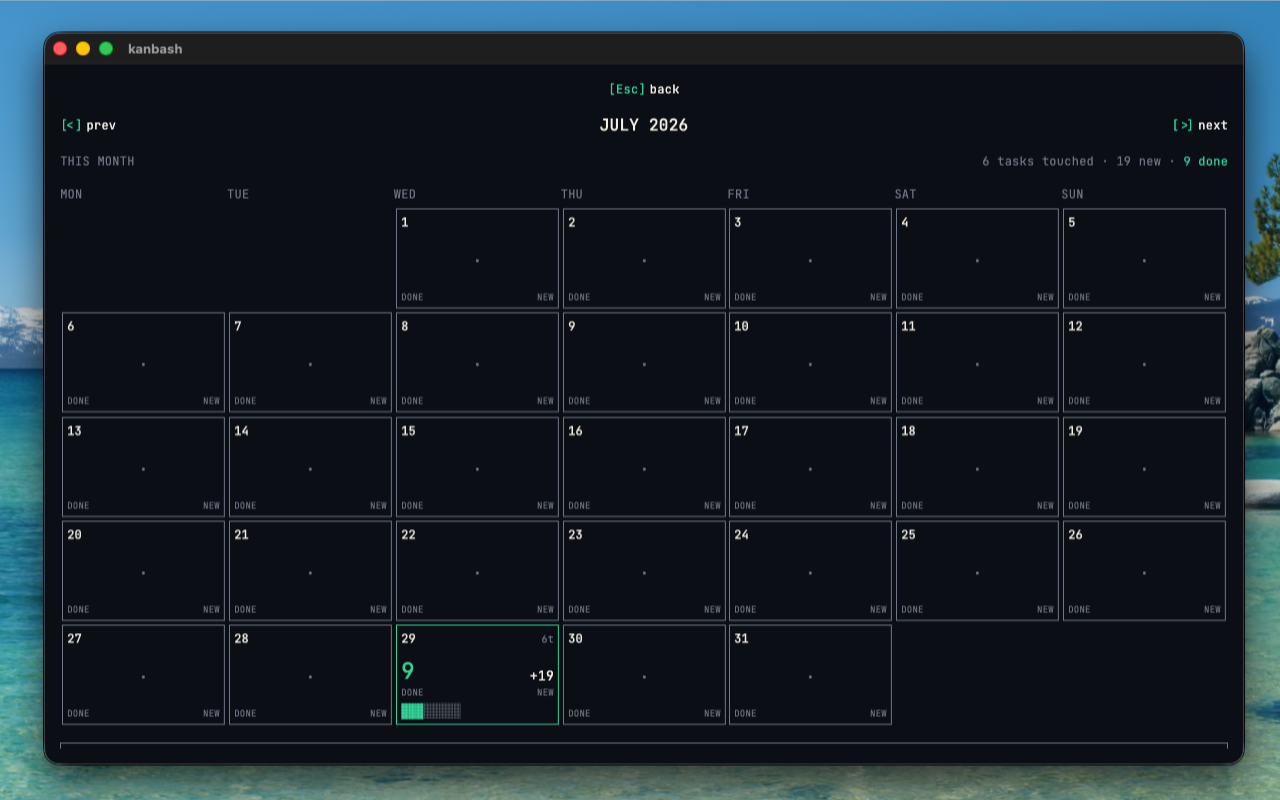
Know how you're doing
Completion streaks, time logged, and your busiest weekdays — plain ascii charts, no dashboard to configure first.
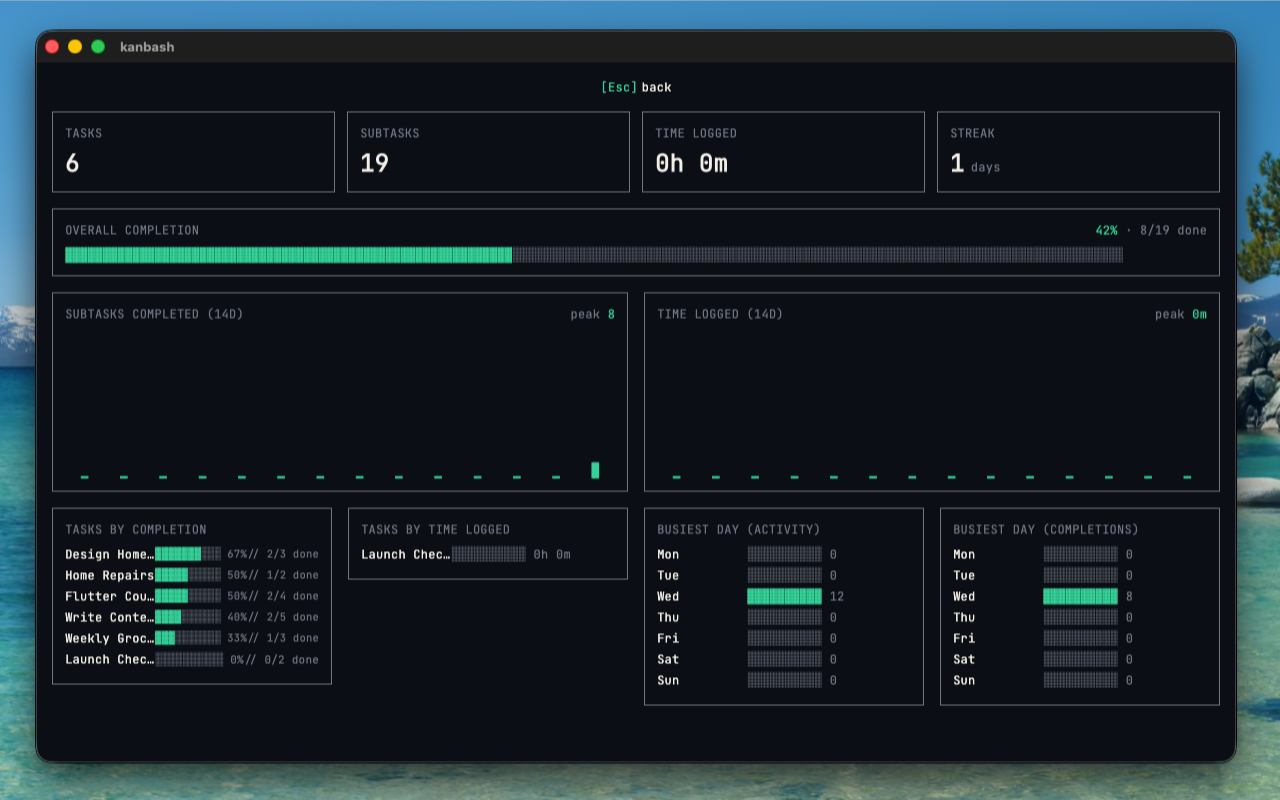
Your data never leaves your device
No accounts to create, no servers to trust, no analytics running in the background. KANBASH stores everything locally — full stop.
Read the full privacy policy ->- [x] No accounts or sign-in required
- [x] No data ever sent to a server
- [x] No analytics, no crash reporting
- [x] No third-party SDKs or ad networks
Built to stay out of your way
No drag-and-drop to fight, no dashboard to configure, no mouse required — just a command bar and a list that gets out of your head.
Download on iOS